The best label makers of 2026 for pantry shelves, office files and shipping boxes
The best label maker for most homes and offices is the Brother P-touch PT-D220. On a tight budget, get the DYMO LetraTag 100H; to design labels on your phone, the Brother CUBE Plus. If you ship packages, the label maker machine you want is really a 4x6 printer like the Rollo.
You buy the machine once. You buy tape every year, so tape is the number to compare.
This best label maker 2026 list covers both kinds of machine: tape label makers for organizing and printers for shipping. Many best label maker 2025 roundups still name the Brady BMP21-PLUS, which is discontinued, or the PT-D600, which Your Best Digs reported discontinued in its 2023 update. Every pick here was checked against a live Amazon listing on October 26, 2026.
Label maker or label printer?
A label machine for jars, files and cables is a label maker: it prints narrow tape. Label printers print die-cut labels, most often 4x6 shipping labels. Many people search for one and need the other.
Most label makers only take their own brand's cartridges, so the tape decides your long-term cost. Brother TZe is laminated and costs more per foot; DYMO LetraTag paper costs less and lasts less.
Use an industrial printer and check its cassette list for wire-wrap and heat-shrink stock before buying. Desktop office models such as the PT-D610BT do not print heat-shrink tube.
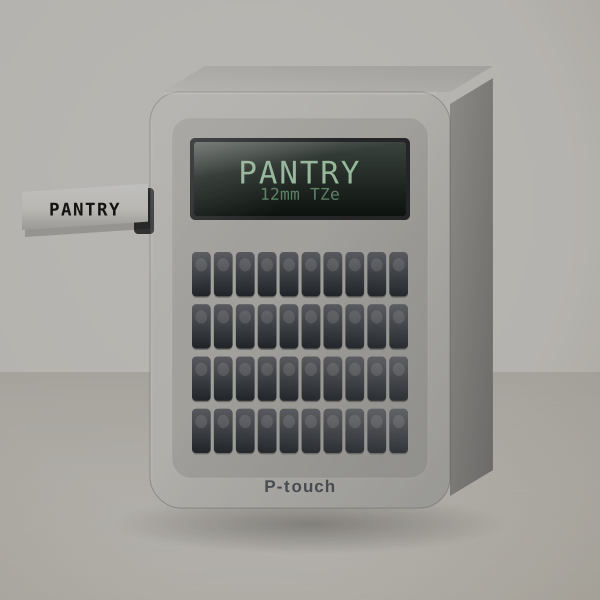
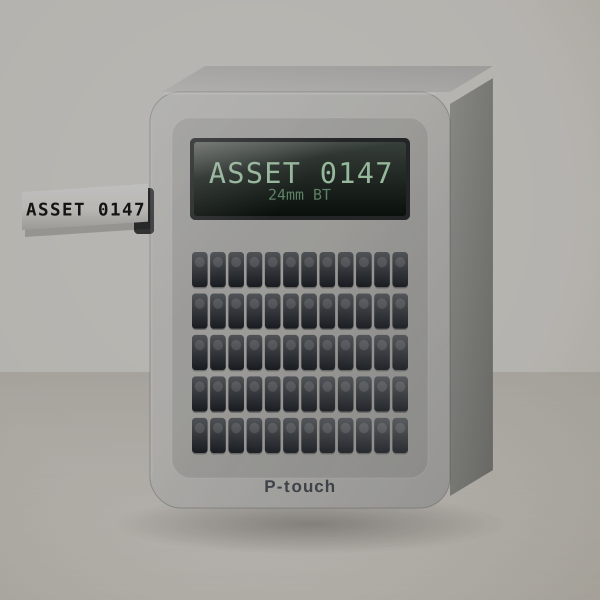
Buy this one if you want labels that are still readable in five years. Brother's TZe tape is laminated, so the print sits under a clear film: a sweating jar, a wet cloth or a hand dragging across a drawer front does not touch it.
A weekend pantry job of 40 jars uses about 9 feet of tape if you print them as one strip. That is a third of one cassette, roughly $5 of tape. You type on the machine itself, so anyone in the house can make a label without a phone.
The limit is width. Labels top out at 12 mm (half an inch), fine for jars, folders and cables, small for a storage bin you want to read from across the garage.
System Brother TZe laminated tape, about 1/2 in (12 mm)
Input Built-in keyboard
Power 6 AAA batteries or optional AC adapter
Text 1 or 2 lines; 14 fonts, 99 frames (listing)
Label with this if you want one keyboard label maker for the pantry and the closets, with office folders on the side.
Look past it if you would rather design labels on your phone. The CUBE Plus does that.
Cost per label: About 14¢ to 21¢ per 2.5-inch label on genuine 12 mm TZe tape. Use your own price
Sources: Bob Vila (roundup first published Sept 2020, updated since); Amazon listing
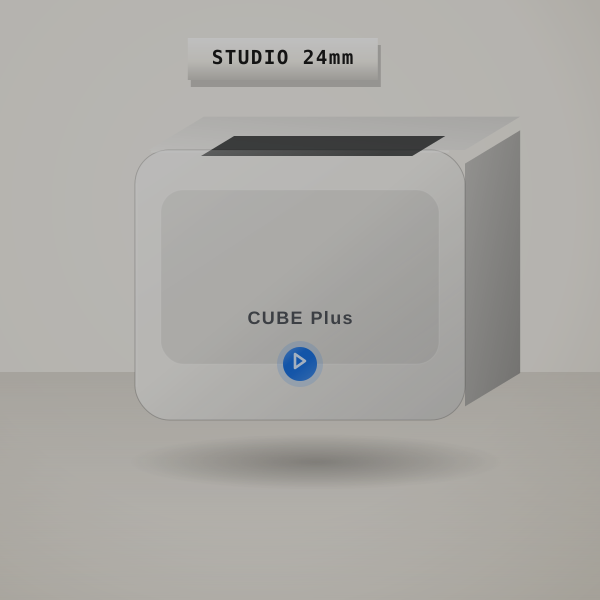
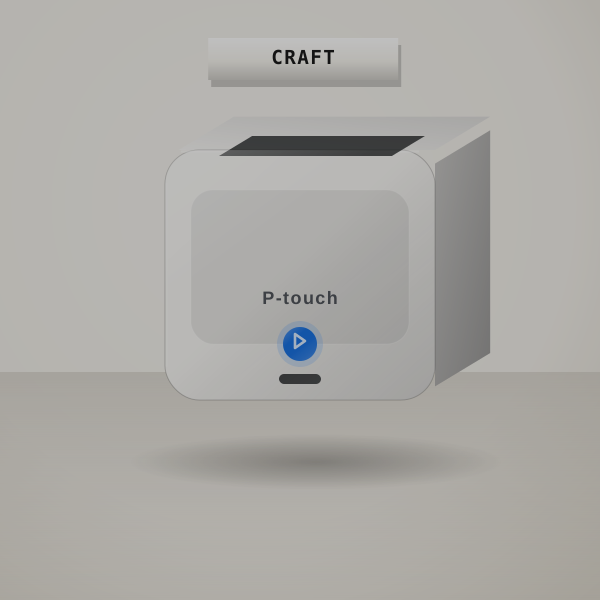
The CUBE Plus is for people who would rather design on a phone than poke at a tiny keypad. Icons, two fonts on one label, a numbered run of boxes: in Brother's app they take seconds.
It prints laminated TZe labels up to 24 mm wide, twice the width of most home machines. Twenty-four garage bins with 4-inch labels use about 9.5 feet of 24 mm tape, a little over a third of a cassette.
No keyboard means every label goes through your phone, and the battery needs charging. If you mostly print one jar label at a time, the PT-D220 is quicker.
System TZe laminated tape, up to 24 mm (maker)
Input Phone app or computer
Power Rechargeable
Label with this if you label in batches and want fonts and icons from an app.
Look past it if you only print one label at a time; a keyboard model is faster for that.
Cost per label: About 14¢ to 21¢ per label on 12 mm TZe and 21¢ to 31¢ on 24 mm. Use your own price
Sources: Bob Vila (roundup first published Sept 2020, updated since); maker specs
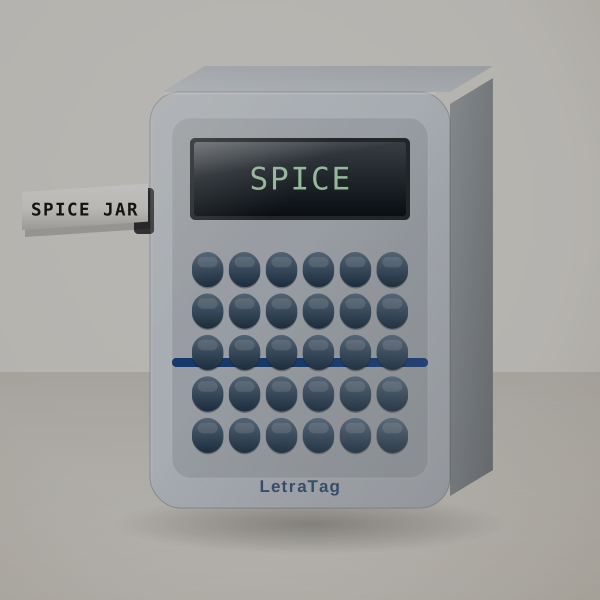
The cheapest keyboard label maker worth owning. It is light, runs on batteries, and the alphabetical keypad is easy for children, which is why it ends up in so many kids' rooms and classrooms.
Buy the Plus pack: it includes paper tape for folders and a clear plastic cassette for jars. Thirty folder labels use about half a 13-foot paper cassette, roughly $2 to $4 of tape.
Paper LetraTag labels are not for damp places; switch to the plastic tape there. Typing long labels on an ABC layout is slow if you are used to QWERTY.
System DYMO LetraTag tape, 12 mm
Input Built-in keyboard
Power Batteries
Label with this if you want a cheap, simple label maker for jars and folders, or a kid's school things.
Look past it if labels need to survive water or sun. Laminated TZe tape holds up better.
Cost per label: About 8¢ to 17¢ per label on paper LT tape, 13¢ to 21¢ on plastic. Use your own price
Sources: Your Best Digs (2023 update); Amazon listing
If you type labels by the dozen, the QWERTY keyboard pays for itself. One-touch keys for bold, size and boxes mean a shelf of labels takes minutes rather than an evening.
It prints on DYMO D1 tape from 6 to 12 mm wide, the same cassettes DYMO's office machines use. Sixty shelf labels at 1.5 inches use about half of a 23-foot cassette.
It cannot talk to a computer, and D1 tape is tough but not laminated like Brother's TZe. For wet or outdoor labels, the Brother lasts longer.
System DYMO D1 tape (maker)
Input QWERTY keyboard
Label with this if you want fast typing and D1 tape for shelves and cables.
Look past it if you want laminated Brother tape or app design.
Cost per label: About 14¢ to 21¢ per label on 12 mm D1 tape. Use your own price
Sources: Bob Vila (roundup first published Sept 2020, updated since); maker specs
This is the office machine: a full keyboard and colour screen on the printer, Bluetooth for phones, and a USB cable for P-touch Editor on a PC. Different people can print in whichever way suits them.
Two hundred asset tags printed from a spreadsheet use under two 24 mm cassettes. It stores 90 labels, cuts them automatically, and ships with 175 business templates for asset and inventory labels.
For one person labelling a home it is several times more machine than needed; the PT-D220 or CUBE Plus covers that.
System TZe laminated tape, up to 24 mm (maker)
Input Keyboard, phone app or computer
Label with this if a small team prints lots of labels, some from a keyboard and some from a computer.
Look past it if you only label at home. The PT-D220 costs less.
Cost per label: About 14¢ to 21¢ per label on 12 mm TZe, 21¢ to 31¢ on 24 mm. Use your own price
Sources: Your Best Digs (2023 update); maker specs
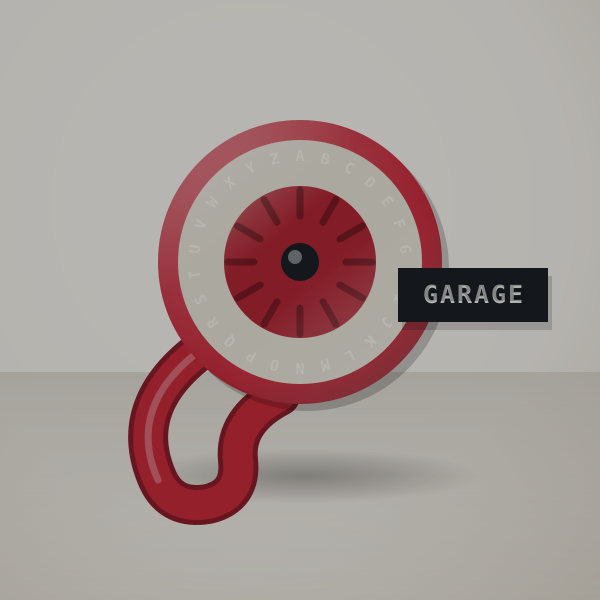
No batteries, no screen, no app. Turn the dial to a letter, squeeze, and it is pressed into coloured vinyl tape as a raised white character, the look of an old toolbox label.
Children love it, it costs very little to run, and the kit comes with three tapes (two black, one red). Gift tags, toy boxes and craft jars are where it looks best.
Text is big and chunky, and small hands may need help squeezing. For neat file labels, use an electronic machine.
System Embossed vinyl tape (3 tapes in the box)
Power None, manual
Label with this if you want a fun, no-power labeler with a retro look.
Look past it if you need small, sharp text. A thermal machine like the PT-D220 prints cleaner.
Cost per label: Pennies per label; embossing tape refills are among the cheapest supplies in this guide. Use your own price
Sources: Bob Vila (roundup first published Sept 2020, updated since); Amazon listing
Colourful labels with a keyboard for quick ones and an app for fancy ones. It prints on Brother's Btag tape, which comes in 17 colours and has a split backing that peels off easily.
A classroom set of 25 bright name labels uses about half a 13.1-foot Btag cassette. The machine holds 10 saved labels and trims each one with its built-in cutter.
Order batteries or the adapter with it, because neither comes in the box. Btag and TZe do not mix, so choose one tape system for the house.
System Brother Btag tape only, 12 mm x 13.1 ft
Input QWERTY keyboard plus Bluetooth app
Power 6 AAA batteries or adapter (both sold separately)
Text Up to 2 lines, 9 mm combined
Label with this if you want colorful labels and like having both a keyboard and an app.
Look past it if you already own TZe tape, or want laminated tape wider than 12 mm.
Cost per label: About 21¢ to 31¢ per label; Btag cassettes are half the length of TZe. Use your own price
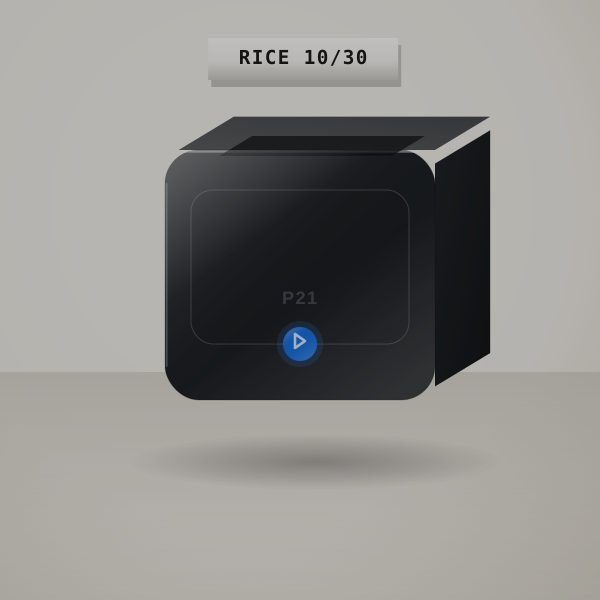
The cheapest way to make labels you design on your phone. Thermal labels cost a few cents each and the printer fits in a pocket, with no ink or ribbon to buy.
A meal-prep habit of 100 freezer and jar labels a month costs roughly $3 to $6 in rolls. The Nelko app adds templates and icons, plus QR codes and date stamps.
Thermal labels fade in strong sun and heat, so keep them indoors. Every label needs the phone; there is no keyboard.
System Direct thermal label rolls, 203 DPI
Input Nelko phone app (iOS, Android)
Ink None needed
Label with this if you want the cheapest way to make app-designed labels for jars and drawers, or school supplies.
Look past it if labels go outdoors or in a hot garage. Laminated TZe tape lasts longer.
Cost per label: Roughly 3¢ to 6¢ per label, the cheapest labels in this guide. Use your own price
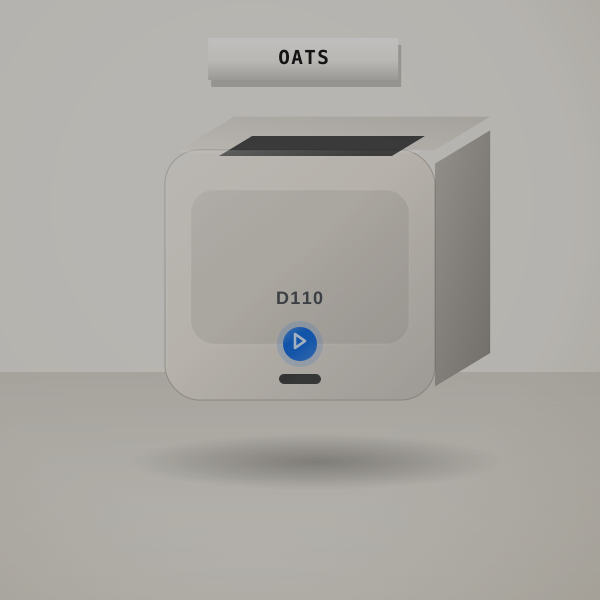
A palm-sized rechargeable printer that recognises the roll you load, so the app always knows the label size. Clear rolls look tidy on glass jars and patterned ones make gift and school labels fun.
Fifty clear jar labels cost about $1.50 to $3 in rolls. There are no batteries to buy; it charges over USB.
Use rolls made for the D110, keep the labels away from heat and sun, and expect to do everything in the app.
System Direct thermal labels, 203 DPI
Input NIIMBOT phone app
Power Built-in rechargeable battery
Ink None needed
Label with this if you want a tiny rechargeable labeler with lots of label styles.
Look past it if you want a keyboard or labels that survive sun and water.
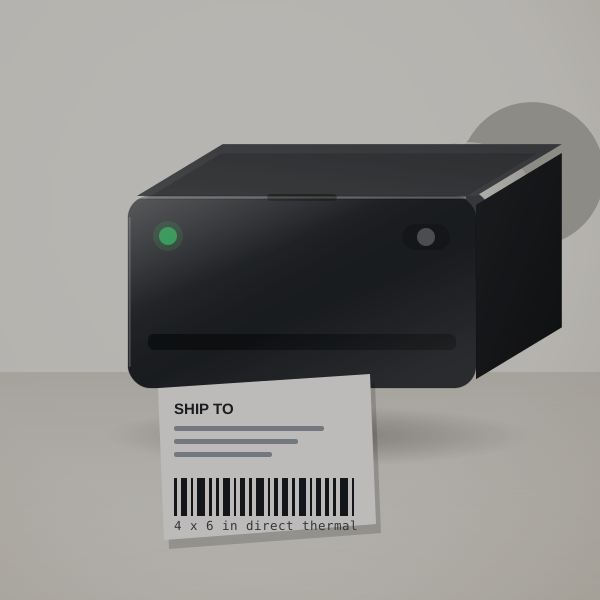
If you still print shipping labels on paper and tape them on, this saves time on every parcel. It prints a 4x6 thermal label in about a second, with no ink or toner.
At 150 orders a month, labels cost roughly $4.50 to $9. Rollo takes any brand of thermal labels from 1.57 to 4.1 inches wide, so you can shop around for rolls or fanfold stacks.
This is the USB model and needs a Windows PC or Mac nearby. To print from a phone, choose the MUNBYN.
System Direct thermal, labels 1.57 to 4.1 in wide
Speed About one 4x6 label per second (listing)
Connection USB; Windows and Mac
Label with this if you ship packages every week from a laptop or desktop.
Look past it if you want to print from a phone. The MUNBYN does that over Bluetooth.
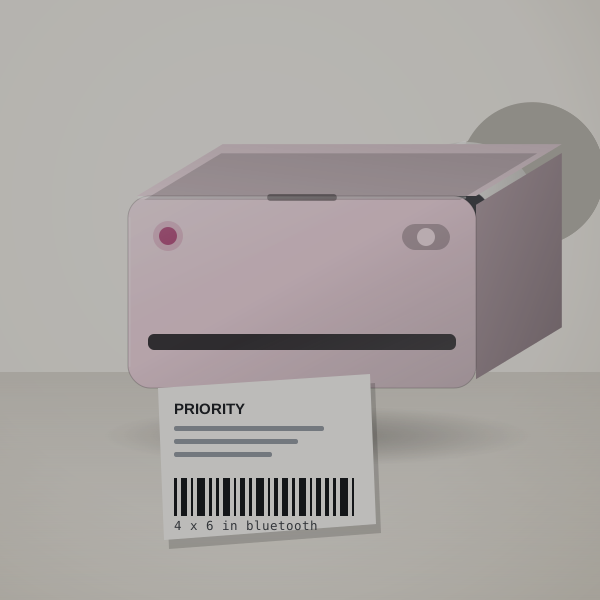
Print shipping labels where the parcels are. The RealWriter 130B connects to a phone over Bluetooth, and on a PC you use the Munbyn Editor in Chrome.
The listing quotes up to 72 labels a minute at 203 dpi and labels from 1.57 to 4.3 inches wide, so product and price labels work as well as 4x6 shipping labels.
If one desktop does all your shipping, a USB Rollo is simpler to live with.
System Direct thermal, labels 1.57 to 4.3 in wide
Connection Bluetooth app, or Munbyn Editor in Chrome on a PC
Print 203 dpi
Label with this if you print shipping labels from your phone or a tablet.
Look past it if you only print from one desktop; the Rollo is simpler.
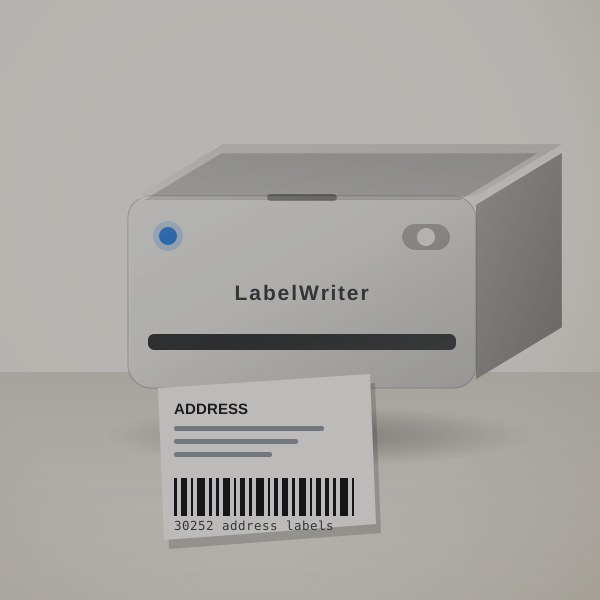
Built for a desk that prints address labels, folder labels and name badges every day. You print exactly the number you need, so there are no half-used sheets of labels in the drawer.
A roll of about 350 address labels typically costs $10 to $18. The 550 Turbo adds LAN so an office can share it, and its listing quotes up to 90 labels a minute.
It only works with DYMO-branded labels, because it reads a chip in each roll. Price the labels before you buy the printer.
System Direct thermal label rolls
Labels DYMO-branded labels only (listing)
550 Turbo extras USB and LAN, up to 90 labels a minute (listing)
Label with this if you print address and folder labels from a computer, and the Turbo if an office shares it.
Look past it if you want to buy any brand of labels. The Rollo is open to other rolls.
Cost per label: Roughly 3¢ to 5¢ per address label on DYMO rolls; larger labels cost more. Use your own price
Sources: Your Best Digs (2023 update); Amazon listings
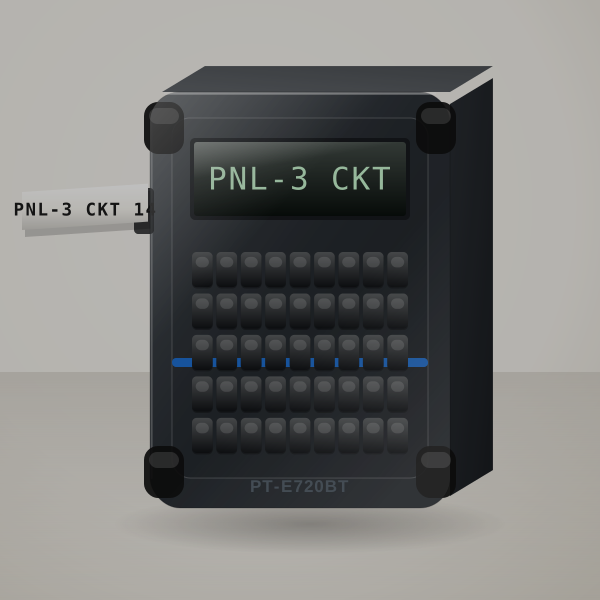
Made for electricians and installers. The Pro Label Tool app is laid out for panels and patch fields, and it prints straight from a spreadsheet, so a 42-circuit panel schedule becomes 42 labels without retyping.
Labels are laminated, up to about an inch wide, and it runs on a Li-ion battery charged over micro-USB. Optional mounts let it hang from a belt, ladder or rack.
Check Brother's tape list for the specialty cassettes your job needs. For home labels it is far more than you need.
System Laminated labels up to about 1 in wide
Input Pro Label Tool app, or P-touch Editor on a PC
Power Li-ion battery, charges over micro-USB
Data Prints from databases, barcodes and QR codes
Label with this if you label panels and cable runs at work.
Look past it if you only label at home. The PT-D220 is plenty.
Cost per label: Industrial cassettes cost more than home TZe; budget per job rather than per label. Use your own price
Cost per label for each tape system is in the next section.
Cost per label, in plain numbers
Tape cartridges hold a fixed length: 26.2 ft for Brother TZe, 23 ft for DYMO D1 and 13 ft for LetraTag, per the makers. A typical 2.5-inch label plus 0.75 inch of blank leader uses 3.25 inches of tape. That gives the estimates below; the calculator at the top uses your own price, and the full calculator page explains the math.
Tape or labels
Per cassette or roll
Labels per cassette
Typical price
Cost per label
Brother TZe, 12 mm
26.2 ft
about 96
$13 to $20
14¢ to 21¢
Brother TZe, 24 mm
26.2 ft
about 96
$20 to $30
21¢ to 31¢
Brother Btag, 12 mm
13.1 ft
about 48
$10 to $15
21¢ to 31¢
DYMO D1, 12 mm
23 ft
about 85
$12 to $18
14¢ to 21¢
DYMO LetraTag paper, 12 mm
13 ft
about 48
$4 to $8
8¢ to 17¢
DYMO LetraTag plastic, 12 mm
13 ft
about 48
$6 to $10
13¢ to 21¢
Mini thermal rolls (Nelko, NIIMBOT)
per roll
roughly 150 to 230
$5 to $10
3¢ to 6¢
4x6 thermal shipping labels
per roll or stack
250 to 500
$12 to $25
3¢ to 6¢
DYMO LabelWriter address labels
per roll
about 350
$10 to $18
3¢ to 5¢
Estimates for a 2.5-inch label with 0.75 inch of blank leader. Cassette lengths are the makers' figures; price ranges are typical US retail prices in late 2026 for genuine supplies, not quotes. Put the price you actually pay into the calculator for your own number.
Settle these before you order
Pick the tape system first
Brother TZe, Brother Btag and DYMO D1 cassettes do not swap with each other, and LetraTag tape and thermal labels are separate systems again. The tape decides cost and durability for years.
Keyboard or app
Keyboards win for quick one-offs; apps win for design and batches.
Think about width
12 mm suits jars and folders. 18 to 24 mm reads from across a room.
Shipping is its own category
If you sell online, a 4x6 thermal printer is a different machine from a label maker.
How the machines are picked
Fourteen machines are covered: thirteen on the home page and the Brady M210 for electricians. They were shortlisted from named reviews and maker line-ups, then checked against the Amazon listings collected on October 26, 2026.
Each machine is judged on the tape it uses, what a label costs, how it is powered, how you design labels (keyboard, app or computer) and the problems owners report most often.
Star ratings and collected prices stay off the page because they change daily. Tape lengths are the makers' figures; per-label costs are estimates you can redo in the calculator.
The Brother P-touch PT-D220: it has its own keyboard and screen, needs no app, and prints laminated TZe tape that survives damp jars. See label makers for home organization.
What is the best label maker for small business?
The Brother PT-D610BT for office and shelf labels, since staff can print from its keyboard, a phone or a computer. If you ship, add a 4x6 printer such as the Rollo USB.
What is the best label printer for shipping labels?
Brother for durable laminated tape, DYMO for lower starting cost. Compare them on Brother vs DYMO.
Are label maker labels waterproof?
Laminated tapes resist water; paper and thermal labels do not.
What is the best label maker for electricians?
The Brother PT-E720BT, an industrial Bluetooth printer with database printing and laminated labels up to about an inch wide. Brady's M210 replaces the discontinued BMP21-PLUS.
What label maker works for outdoor labels?
One that prints laminated or industrial tape. Pair it with extra-strength adhesive such as Brother TZe-S231 and clean the surface first. See outdoor labels.
Yes, over months, faster in heat and sunlight. They are fine for parcels and indoor jars; use laminated tape for anything outdoors.
Can I use generic tapes?
Many machines accept compatible tapes; quality varies, and some printers only accept chipped rolls.
Which label maker is best for a pantry?
One with laminated tape, like the PT-D220, because pantry jars get wiped. For cheap indoor labels with dates, the Nelko P21 or NIIMBOT D110 work from a phone. See pantry label makers.
Is a sticker label printer the same as a label maker?
Close. Sticker printers usually print small die-cut labels from an app.
Where we land
Buy the PT-D220 if you organize at home or in an office. Buy a Rollo if you ship. Then stock one spare cartridge or roll so you never stop halfway through a pantry.
 3D render, not a photo
 3D render, not a photo
 3D render, not a photo
 3D render, not a photo
 3D render, not a photo
 3D render, not a photo
 3D render, not a photo
 3D render, not a photo
 3D render, not a photo
 3D render, not a photo
 3D render, not a photo
 3D render, not a photo
 3D render, not a photo
 3D render, not a photo
 3D render, not a photo
 3D render, not a photo
 3D render, not a photo
 3D render, not a photo
 3D render, not a photo
 3D render, not a photo
 3D render, not a photo
 3D render, not a photo
 3D render, not a photo
 3D render, not a photo
 3D render, not a photo