Home / The best label makers for the office
The best label makers for the office
The best label maker for office use is the Brother PT-D610BT for a shared office and the PT-D220 for one desk. For envelopes and folders printed from a computer, add a DYMO LabelWriter 550.
Updated 11-01-2026 by Imogen Pratt
Questions this page answers
App or built-in keyboard?
A keyboard is faster for one label. An app is better for fonts and icons, and for long runs. Some business models do both.
Source: Bob Vila and Your Best Digs groupings.
Our pick for this: Brother P-touch PT-D610BTFix: Brother TZe-231 tape, 12 mm black on white
What tape widths can it print?
Small handhelds top out around 12 mm. The CUBE Plus and PT-D610BT go up to 24 mm per Brother, which reads better on bins.
Source: maker specs.
Our pick for this: Brother P-touch CUBE Plus PT-P710BTFix: Brother TZe-231 tape, 12 mm black on white
Is small text sharp enough?
Laminated and thermal label makers print crisp text at small sizes. Embossers do not.
Source: maker resolution specs.
Our pick for this: Brother P-touch PT-D220Fix: Brother TZe-231 tape, 12 mm black on white
Machines for this
 3D render, not a photo
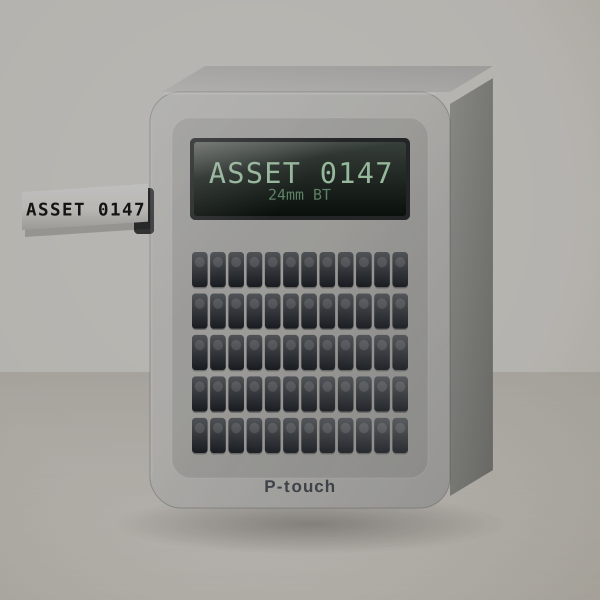
Brother P-touch PT-D610BT
Best for a busy office
Shared office machine: keyboard plus Bluetooth and USB, 24 mm labels.
Cost per label: About 14¢ to 21¢ per label on 12 mm TZe, 21¢ to 31¢ on 24 mm.
 3D render, not a photo
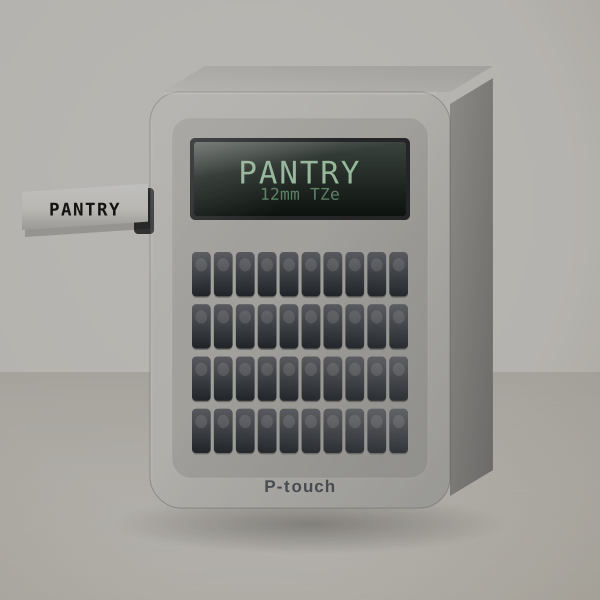
Brother P-touch PT-D220
Best overall for home and office
A cheap keyboard machine for one desk's folders and drawers.
Cost per label: About 14¢ to 21¢ per 2.5-inch label on genuine 12 mm TZe tape.
 3D render, not a photo
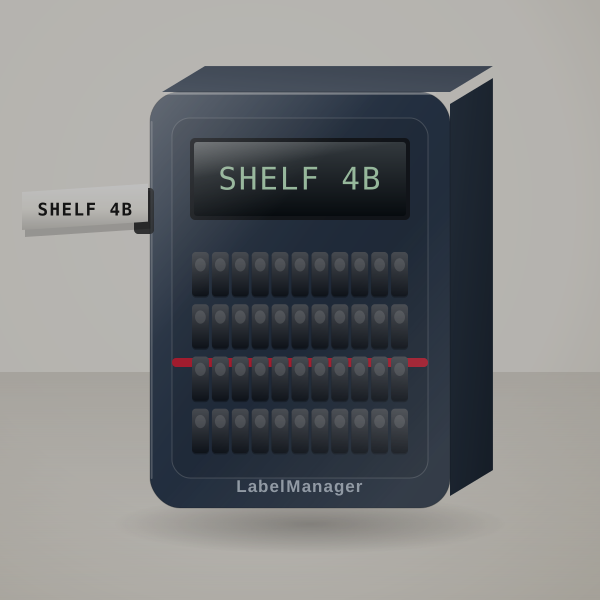
DYMO LabelManager 160
Best QWERTY handheld for a workshop
Fast QWERTY typing on DYMO D1 tape.
Cost per label: About 14¢ to 21¢ per label on 12 mm D1 tape.
 3D render, not a photo
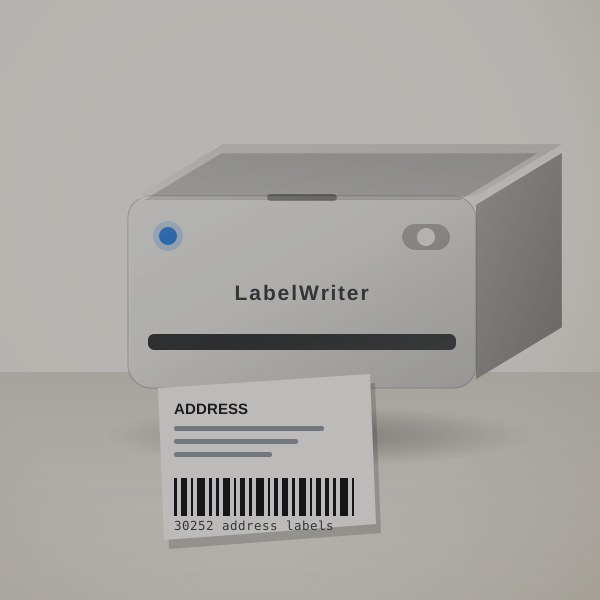
DYMO LabelWriter 550 and 550 Turbo
Best for address labels from a computer
Address and file labels from a computer in exact quantities.
Cost per label: Roughly 3¢ to 5¢ per address label on DYMO rolls; larger labels cost more.
Before you pick one
Who prints, and from where
Count the people who will print labels and where they sit. One person at one desk is happy with a keyboard machine. A front desk printing visitor badges and envelopes wants a desktop label printer, and the 550 Turbo's LAN port lets the whole office share one. A mixed team is the case for the D610BT, which takes a keyboard, a phone or a computer.
Shared or personal
A shared office benefits from a machine that takes a keyboard, a phone and a computer. One person at one desk does fine with a keyboard model.
Folders and shelves
File folder labels look best on 12 mm laminated tape; shelf and cable labels read better on 18 or 24 mm.
Address labels
For envelopes and name badges, a desktop label printer is faster than a tape machine. The 550 Turbo adds LAN so the office can share it.
Quick questions
Which tape is best for file folders?
12 mm laminated tape, black on white.
Can I print labels from Word or Excel?
Computer-connected models with their own software can import text; check the maker's editor.
Do offices need wide tape?
For shelves and cables, 18 to 24 mm reads better.
How long does a cartridge last?
It depends on how many labels you print; the calculator works it out.
More guides
- The best label makers for home organization
- The best label makers for pantry jars
- The best label makers for classrooms
- The best label makers that work without an app
- The best cheap label makers
- The best label makers for small business
- The best shipping label printers for 4x6 labels
- The best Bluetooth label makers
- Label makers for electricians and panel work
- Brady BMP21-PLUS alternatives
- Label makers for outdoor and waterproof labels
- Brother vs DYMO: which label maker system to buy into
- Label cost calculator
- Label tapes and supplies