Home / Reviews / Rollo USB Shipping Label Printer
Rollo USB shipping label printer review
The Rollo is the shipping label printer most small sellers should start with. It prints 4x6 thermal labels at about one a second, uses no ink or toner, and takes labels from any brand between 1.57 and 4.1 inches wide.
- Best as
- Best 4x6 shipping label printer
- Prints on
- Direct thermal labels from 1.57 to 4.1 inches wide, fanfold or roll, any brand.
- Cost per label
- Roughly 3¢ to 6¢ per 4x6 label.
Imogen Pratt, updated 11-01-2026. Sources: Amazon listing (checked Oct 2026).
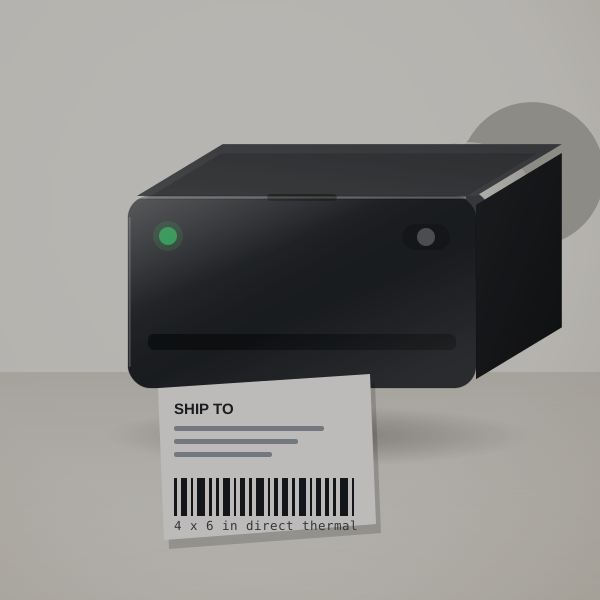 3D render, not a photo
Why sellers switch from paper labels
It replaces printing on paper and taping the result to boxes. A 4x6 label comes out at about one per second, ready to peel.
Rollo works with the major carriers and marketplaces, and its own Rollo Ship app adds discounted shipping rates for people who do not use another shipping platform.
Because it takes any brand of thermal labels, your running cost stays low; there is no chipped-label lock-in.
A month of orders, worked out
At 150 orders a month, 4x6 thermal labels at 3 to 6 cents each cost $4.50 to $9. Printing on paper instead means ink or toner plus packing tape over every label, and a few minutes per parcel that add up across a month.
Label spend by order volume
Label spend grows with your order count.
| How you use it | Labels | Labels a year | Spend a year |
|---|---|---|---|
| A few orders a week | 20 a month | 240 | $7 to $14 |
| A busy Etsy or eBay shop | 150 a month | 1,800 | $54 to $108 |
| Daily shipping | 600 a month | 7,200 | $216 to $432 |
Labels and cost per parcel
Direct thermal labels from 1.57 to 4.1 inches wide, fanfold or roll, any brand.
Roughly 3¢ to 6¢ per 4x6 label. Try your own price.
- System
- Direct thermal, labels 1.57 to 4.1 in wide
- Speed
- About one 4x6 label per second (listing)
- Connection
- USB; Windows and Mac
Which sellers it suits
- Etsy and eBay sellers shipping from a laptop.
- Anyone tired of printing labels on paper and taping them on.
- Small warehouses printing barcode and product labels too.
Getting the first label out
- Install the driver on Windows or Mac and connect by USB.
- Load fanfold labels behind the printer.
- Print a test label from your shipping platform and save the 4x6 setting.
Setup snags and how to avoid them
- It needs a computer
- This is the USB model; for phone printing, choose a Bluetooth printer.
- Label size setup
- Set the 4x6 size in the print dialog and run a test; mis-sized PDFs are the usual cause of tiny labels.
- Thermal labels fade over long periods
- Fine for shipping; not for permanent product labels in sunlight.
Labels to buy with it
Buy the USB Rollo and a 500-count stack of 4x6 fanfold labels.
In the carton
- The Rollo printer
- USB cable and power supply
Rollo USB Shipping Label Printer or MUNBYN Bluetooth 4x6 Label Printer?
The MUNBYN prints from a phone over Bluetooth and is usually cheaper; the Rollo is the simpler desktop choice when one computer does all the shipping.
Shipping printers compared
| Machine | Prints on | Widest label | Design with | Power | Cost per label |
|---|---|---|---|---|---|
| Rollo USB Shipping Label Printer | Any-brand thermal labels | 4.1 in | Computer (USB) | Mains power | Roughly 3¢ to 6¢ |
| MUNBYN Bluetooth 4x6 Label Printer | Thermal labels | 4.3 in | Phone app or browser editor | Check the listing | Roughly 3¢ to 6¢ |
| DYMO LabelWriter 550 and 550 Turbo | DYMO LabelWriter labels only | Address and file sizes | Computer | Mains power | Roughly 3¢ to 5¢ |
Right for your shop?
Good fit if you ship packages every week from a laptop or desktop.
Poor fit if you want to print from a phone. The MUNBYN does that over Bluetooth.
Other shipping printers
- MUNBYN Bluetooth 4x6 Label Printer: You pack orders away from a computer and print from a phone. MUNBYN Bluetooth 4x6 Label Printer review. Check price
- DYMO LabelWriter 550 and 550 Turbo: You mainly print address labels and want DYMO's software, accepting DYMO-only labels. DYMO LabelWriter 550 and 550 Turbo review. Check price
Seller questions
Does Rollo work with USPS and UPS?
Yes, it works with the major carriers and marketplaces.
Can I use any brand of labels?
Yes, any direct thermal labels from 1.57 to 4.1 inches wide.
Does Rollo need ink?
No, it prints by heat on thermal labels.
Does it work with a Mac?
Yes, it supports both Mac and Windows.
Is the Rollo the right first shipping printer?
If you ship a few orders a week from a laptop, order the Rollo and a stack of 4x6 labels.